Filters and Segments
Transform your audience management with intelligent filtering and segmentation tools. Create precise audience segments based on any combination of attributes, behaviors, and engagement data to deliver highly targeted WhatsApp campaigns that drive results.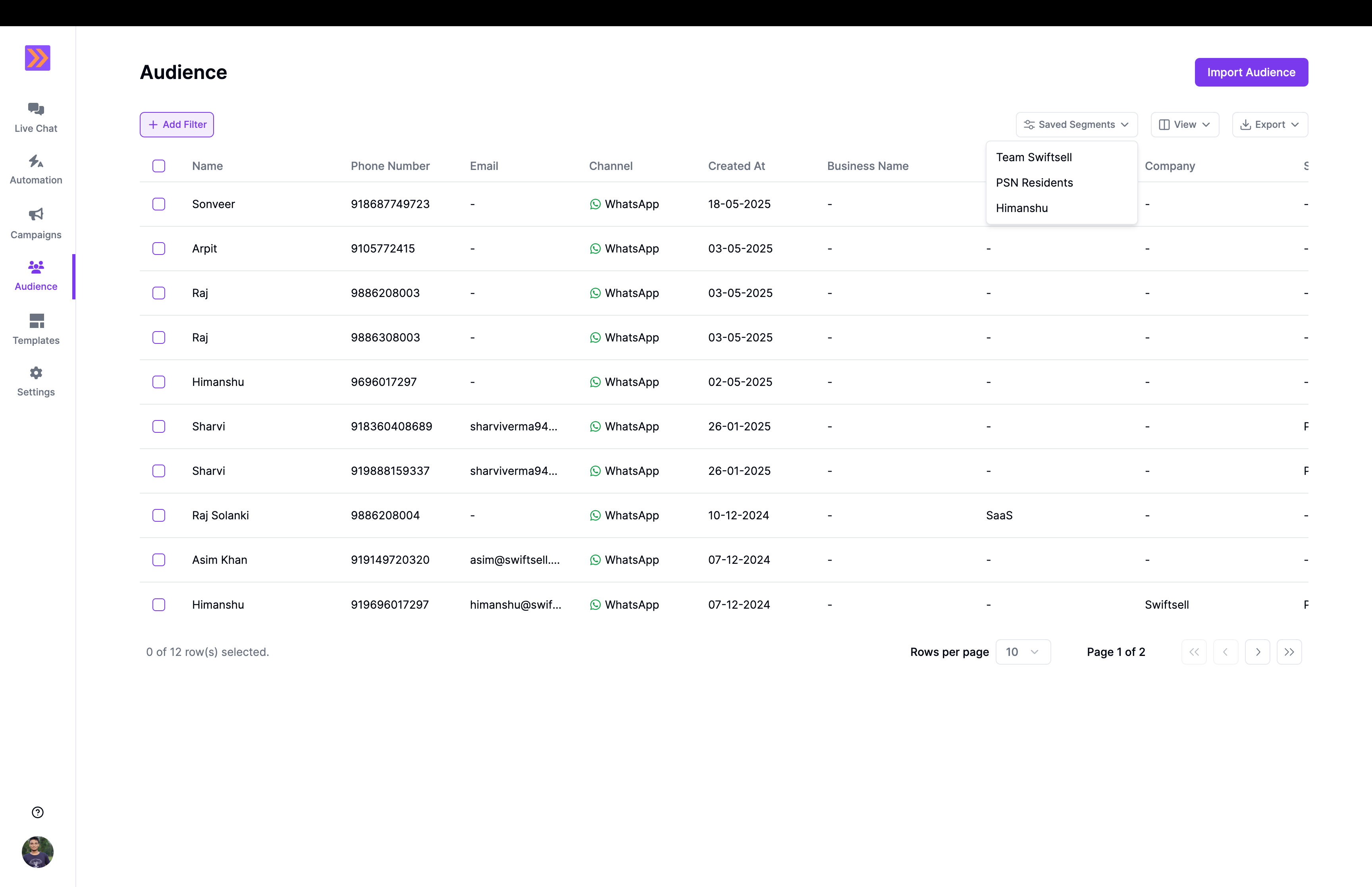
Understanding Filters vs Segments
Filters
Filters are immediate search tools that help you find specific contacts in real-time:- Instant results - See filtered contacts immediately
- Temporary views - Filters reset when you navigate away
- Quick searches - Perfect for finding individual contacts or small groups
- Exploration tool - Ideal for discovering patterns in your audience
Segments
Segments are saved audience groups that persist and update automatically:- Persistent groups - Saved segments remain available for future use
- Dynamic updates - Automatically include new contacts that match criteria
- Campaign targeting - Use segments for targeted messaging campaigns
Building Effective Filters
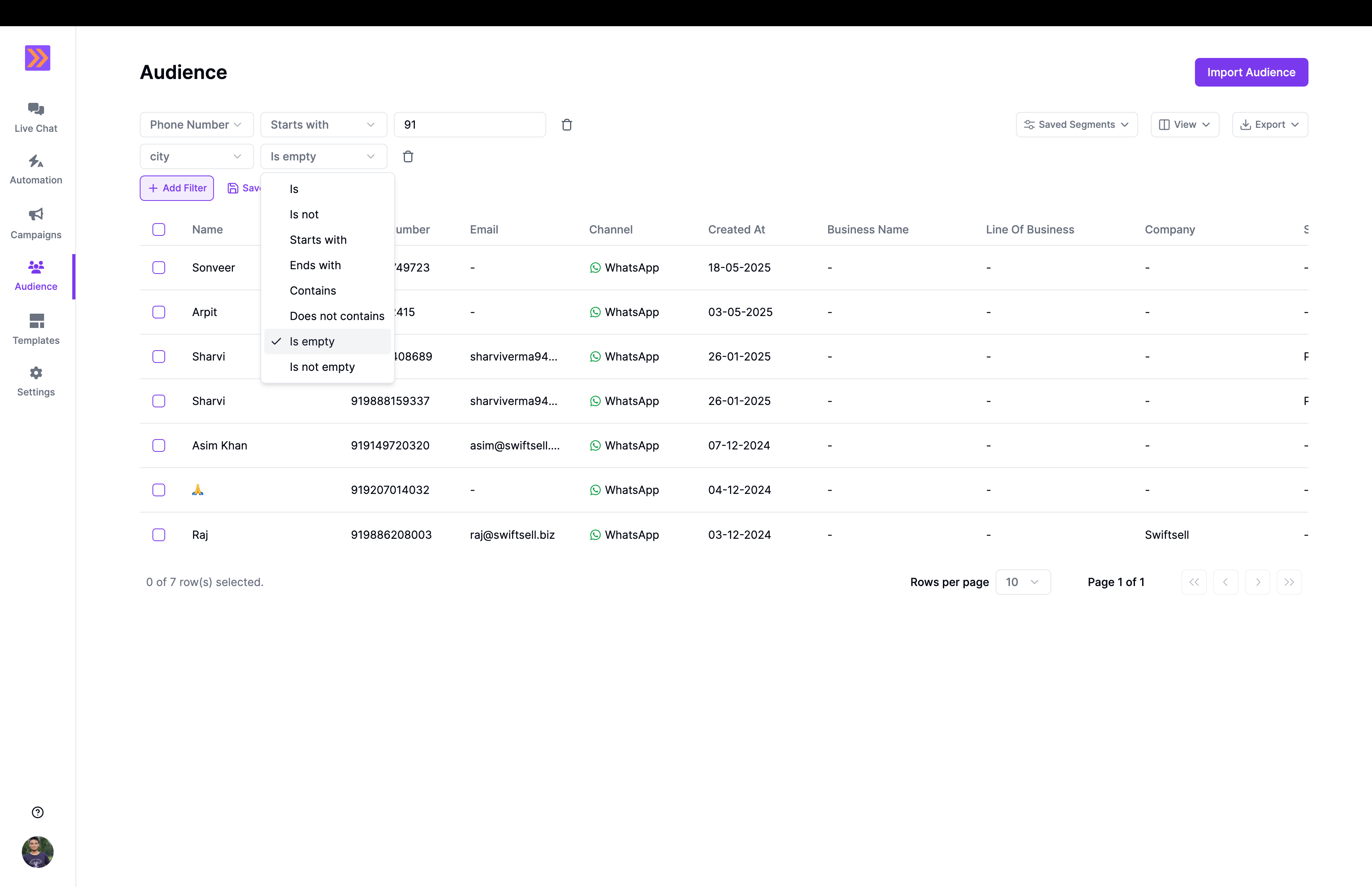
Filter Operators
- Equals - Exact match (case-sensitive)
- Contains - Partial match within text
- Starts with - Beginning of text matches
- Ends with - End of text matches
- Is empty - No value in field
- Is not empty - Has any value in field
Creating Dynamic Segments
Step 1: Define Your Audience Goal
Before building a segment, clearly define what you want to achieve:- Campaign purpose - Product launch, re-engagement, support follow-up
- Target behavior - Recent purchases, inactive users, high engagement
- Demographic focus - Location, age group, customer type
- Business objective - Lead nurturing, retention, upselling
Step 2: Build Filter Conditions
By default, multiple filters are combined using AND logic, meaning all conditions must be met for a contact to be included in your segment:- All conditions required - Contact must match every filter condition
- Creates focused segments - Results in more targeted, specific audiences
- Default behavior - No additional configuration needed
- Example:
Location = "New York"AND PurchaseAmount > $100(only contacts in New York who have spent over $100)
Step 3: Preview and Test
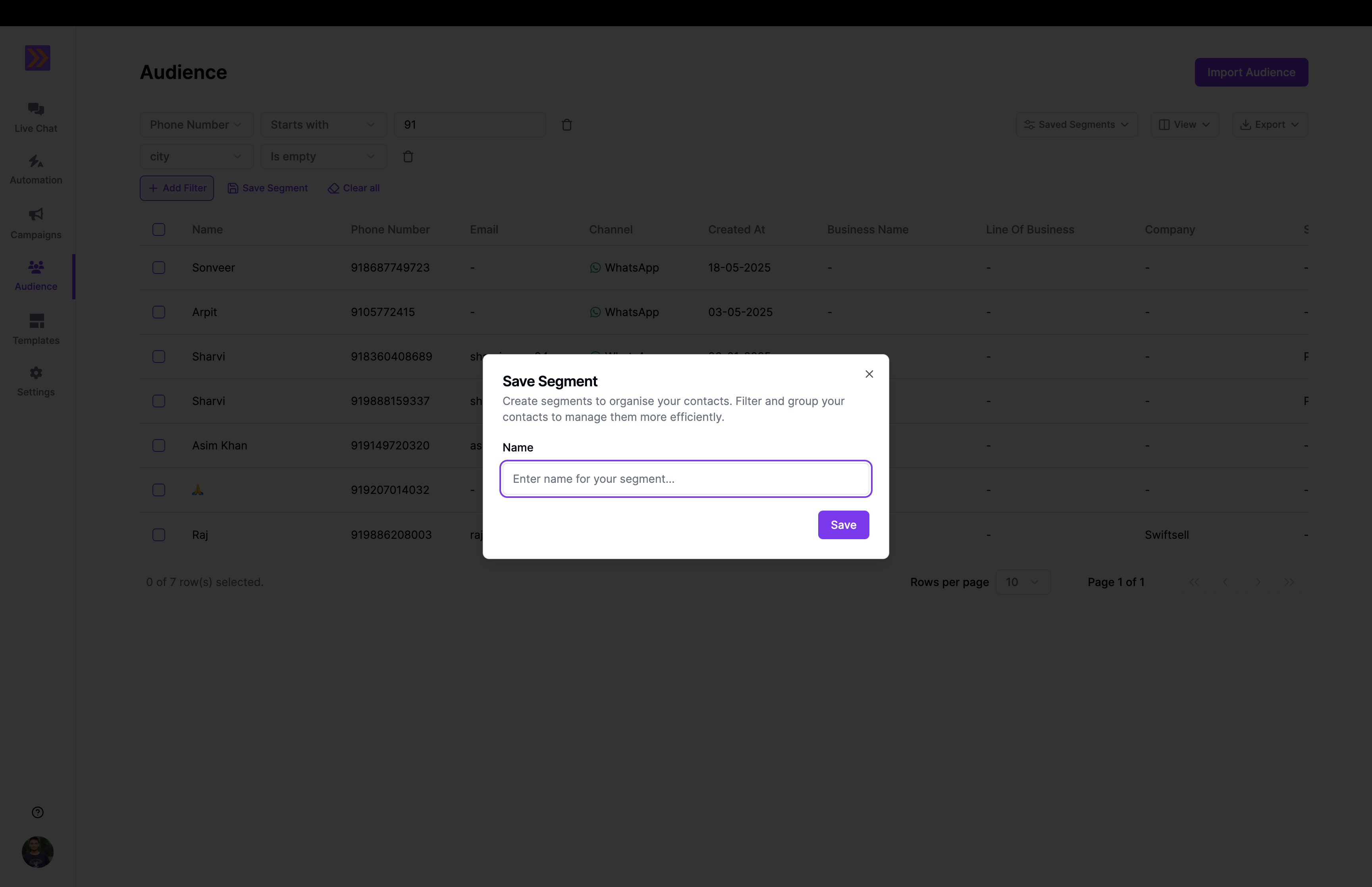
Before saving your segment:- Check contact count - Ensure segment size meets your expectations
- Review sample contacts - Verify the segment includes intended audience
- Test filter logic - Confirm conditions work as expected
- Estimate reach - Consider if segment is too broad or too narrow
Step 4: Save and Name Your Segment